
Tutorial
iOS/Android
Make Animations and Cartoons with Animation DeskHow to Manage Colors in Animation DeskHow to Control Speed and Motions with FramesHow to Create Animation Faster with the Selection ToolsHow to Draw Animation on a Live-action VideoHow to Animate with LayersWhat is Onion Skin and How to Use it in 2D AnimationHow to Export Your Animation as Storyboard, Video, GIF and PSDWindows
Animation Desk app for Windows 10: Interface NavigationHow to Control Speed of Your Animation- FPS and Frame RepetitionHow to Design Color Palettes in the AppHow to Create Animations Efficiently with the Selection ToolsHow to Import Video and Image Using LayersHow To Track Motion With Onion Skin in 2D AnimationHow to Use RulersHow to Export Animation and StoryboardHow to Lip Sync or Add Music to Your Animation VideoHow to Create an Animation Portfolio on AniZoneShould I Get a Surface Dial? How to Use Surface Dial in Animation Desk
iOS/Android
Make Animations and Cartoons with Animation DeskHow to Manage Colors in Animation DeskHow to Control Speed and Motions with FramesHow to Create Animation Faster with the Selection ToolsHow to Draw Animation on a Live-action VideoHow to Animate with LayersWhat is Onion Skin and How to Use it in 2D AnimationHow to Export Your Animation as Storyboard, Video, GIF and PSDWindows
Animation Desk app for Windows 10: Interface NavigationHow to Control Speed of Your Animation- FPS and Frame RepetitionHow to Design Color Palettes in the AppHow to Create Animations Efficiently with the Selection ToolsHow to Import Video and Image Using LayersHow To Track Motion With Onion Skin in 2D AnimationHow to Use RulersHow to Export Animation and StoryboardHow to Lip Sync or Add Music to Your Animation VideoHow to Create an Animation Portfolio on AniZoneShould I Get a Surface Dial? How to Use Surface Dial in Animation Desk


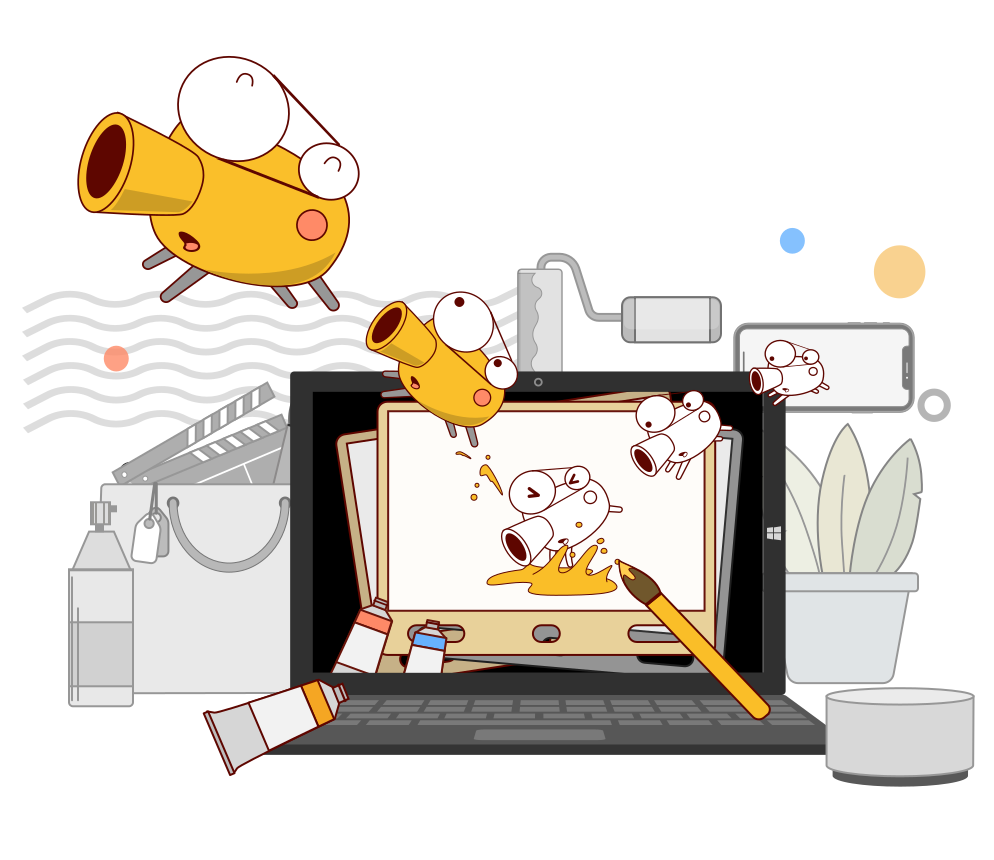
Discover the Essences of Traditional Animation on Your Phone and Tablet
Explore the world of 2D hand-drawn animation and showcase your creativity.
Every Dream Starts with a Dreamer
Let's animate together. Check out the wide range of cool features and how you can use Animation Desk.

Animation Software for Beginners

Get a taste of traditional frame animations! Make your first animated video with video clips, photos, or pre-built animation templates.
@leopartnik


Frame Animation Software for Students and Learners
Animation Desk guides students through the basic animation process within an intuitive interface. These handy techniques are for all types of animations. Check out our teacher's handbooks, and see how to implement the Animation Desk in teaching.

Animation Desk for Professional Animators
Capture your animation ideas on the go with Animation Desk. The app supports different export formats. It's a powerful tool for creating rough animation, animatic sketches, and storyboards for professional animation projects.
Awards and Recognition











Powerful Animation Tools
Animation Desk comes with paint tools, onion skinning for motion tracking, sound effect, layers, and frame rate settings. For advanced features, please visit Kdan Creative Store.

Make interesting Content with Less Hassle
Here is a wide range of features that can save you a handful of time.
• Build and access stock collection across animations
• Paste a batch of frames in one tap!
• Add special effects on videos and photos
Some features are only available in particular app versions.
Export Options & Sharing Options
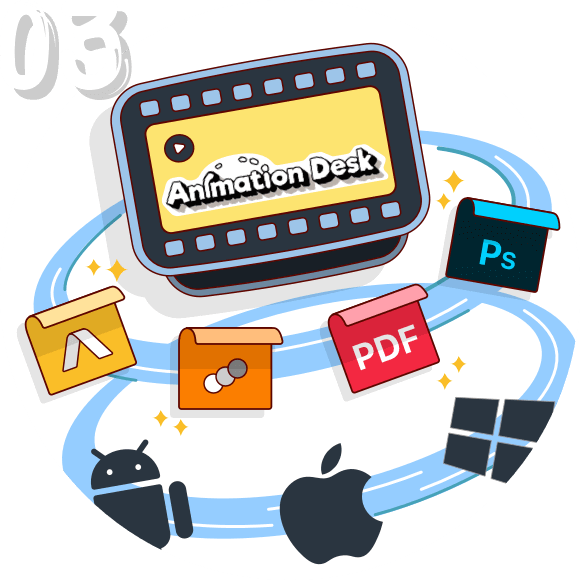
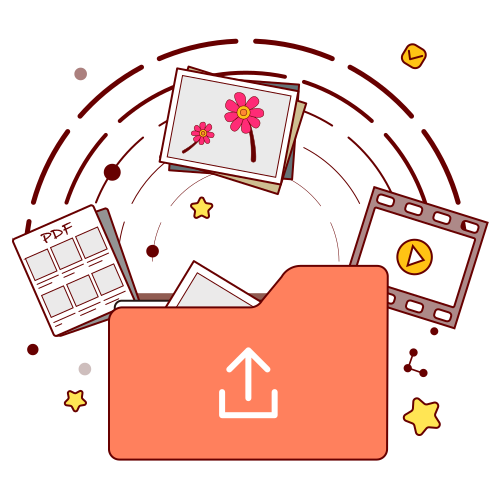
Export animation into video, GIF, PDF, PSD or image sequences. Moreover, you can export and import editable animation projects across Animation Desk Android, iOS, and Windows.

Gallery
Check the amazing submission from the Animation Desk users.

LoveParty
Suet Er Hee 許雪兒

Cheers!
Otom
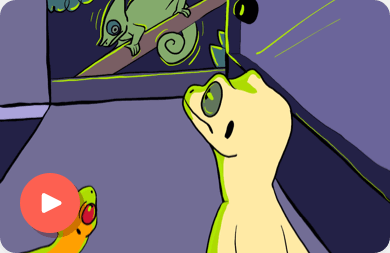
Gecko party (24FPS, finished)
Artist_2010354
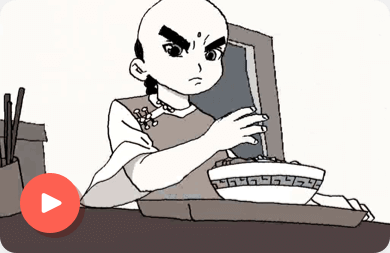
Kungfu Kid 龍拳小子
Bermudy117
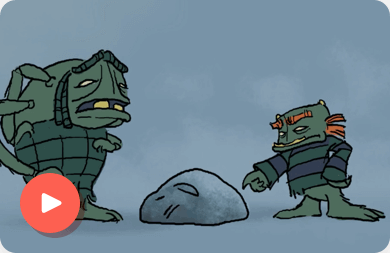
Bump and Grine
Graham Lewis Fleming
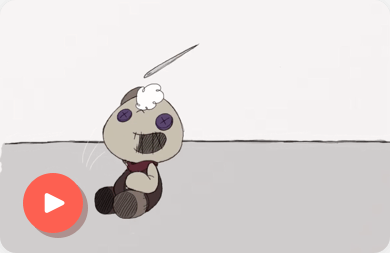
Stuffin'
Kristine Petilla
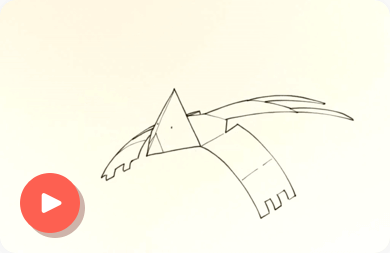
BOXWINGS
Alejandro García
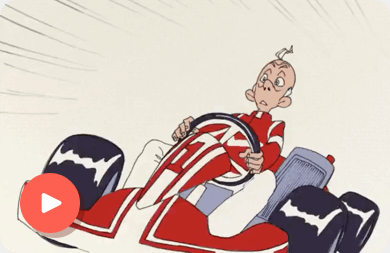
The Super Coffee
Bermudy117
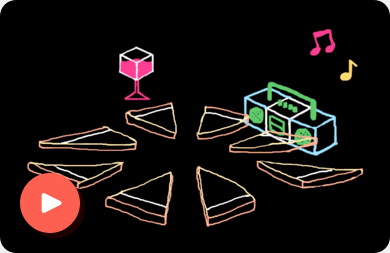
Party Time! (short)
Daz
Connect with Us on Social Media
Get Daily dose of creativity and animation tips.


